
tulgar
-
Posts
8 -
Joined
-
Last visited
-
Days Won
2
Content Type
Profiles
Forums
Gallery
Downloads
Blogs
Events
Everything posted by tulgar
-
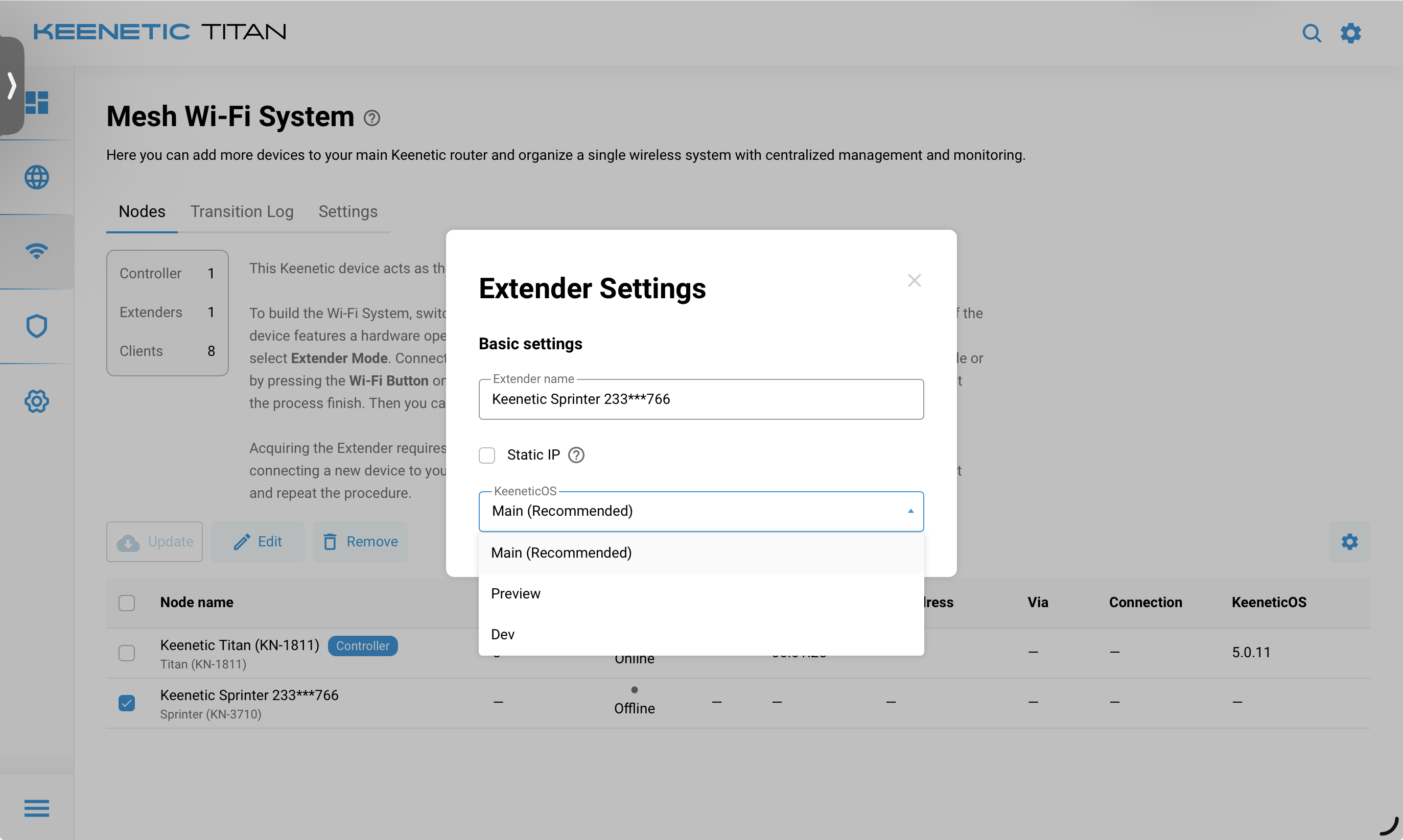
Hello, I would like to report a limitation (or possibly request a feature) regarding firmware update channels in the Wi-Fi System (Mesh). On the main Keenetic router, it is possible to switch between different update channels (e.g., Main, Preview, Dev), and also downgrade to an LTS version if needed. However, for extender/mesh devices connected within the Wi-Fi System, there is no option to control or change the update channel. As far as I can see, these devices do not provide access to LTS versions or any channel selection at all. This creates an inconsistency, especially for users who prefer running stable/LTS firmware across all devices in the mesh network. Is there currently a way to: Set the update channel (especially LTS) for mesh/extender devices? Or make extender devices follow the main router’s selected channel? If not, I would like to suggest adding this feature for better consistency and control in mesh environments.
-
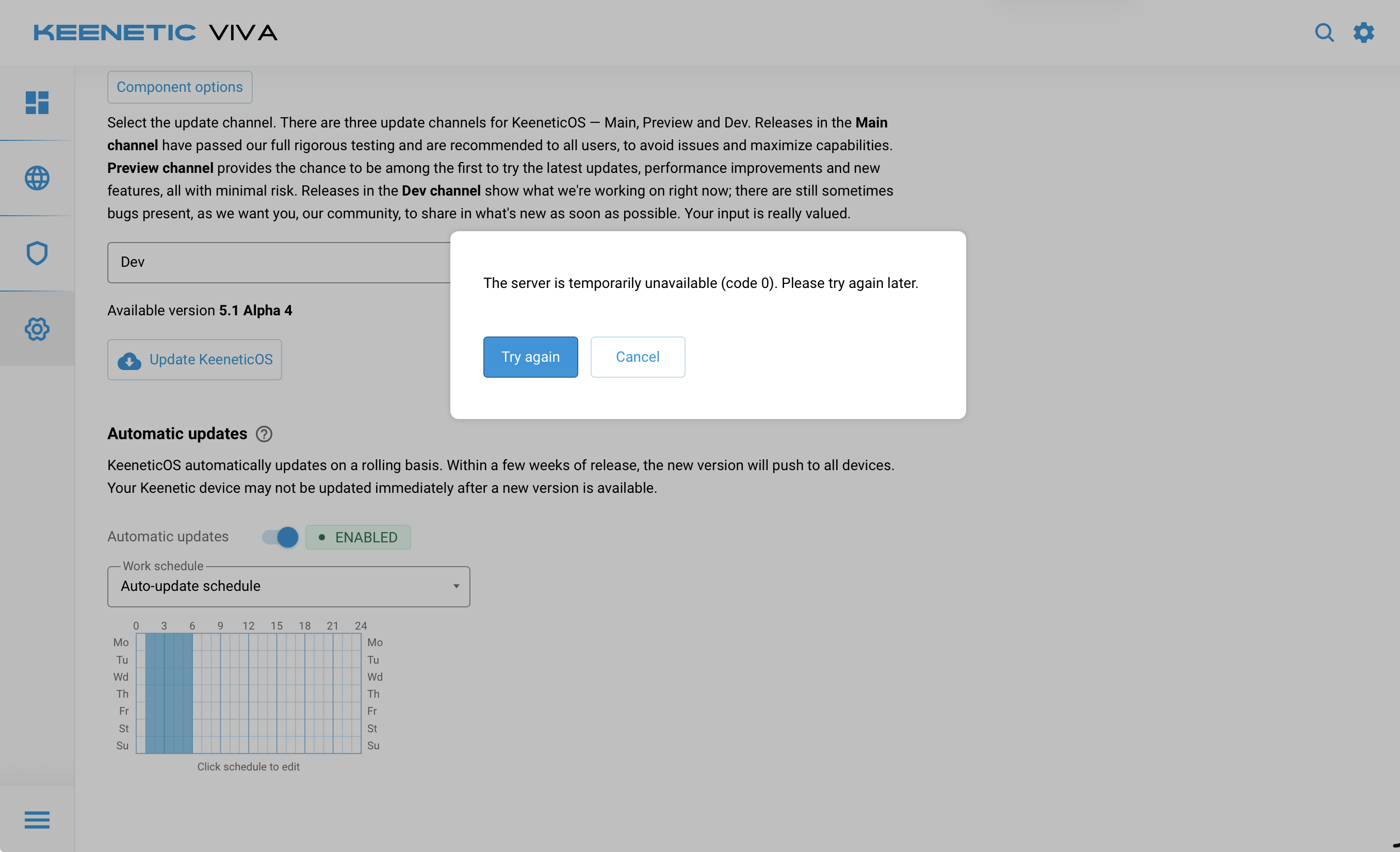
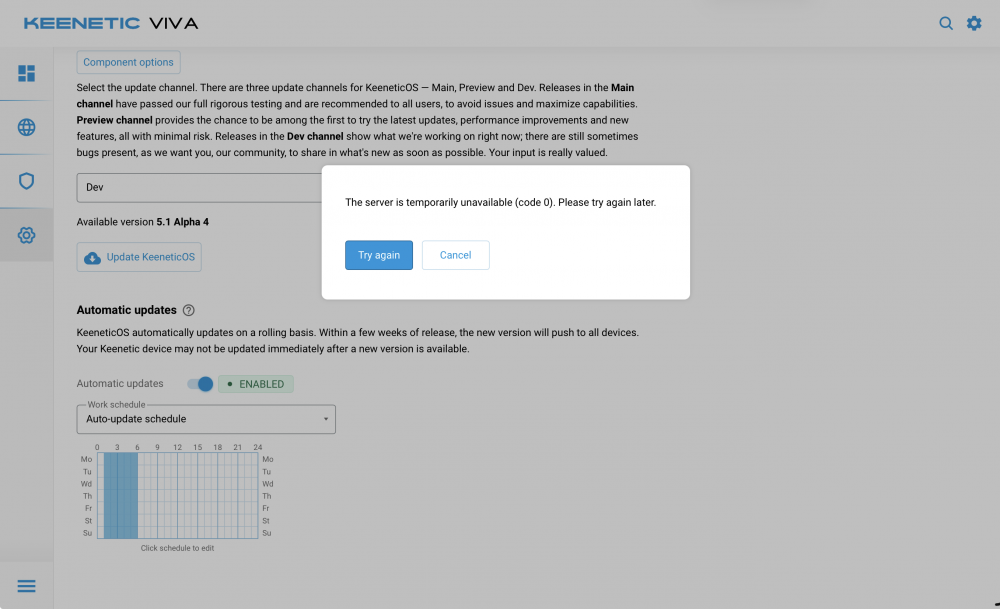
After installing the Alpha 3 version, I started experiencing issues with firmware updates. On the Hopper, Sprinter, and Viva models, I am unable to install either the main (stable) or the dev versions.
-
Update channel not changing for mesh members
tulgar replied to muzo178's question in Dev channel issues & test reports
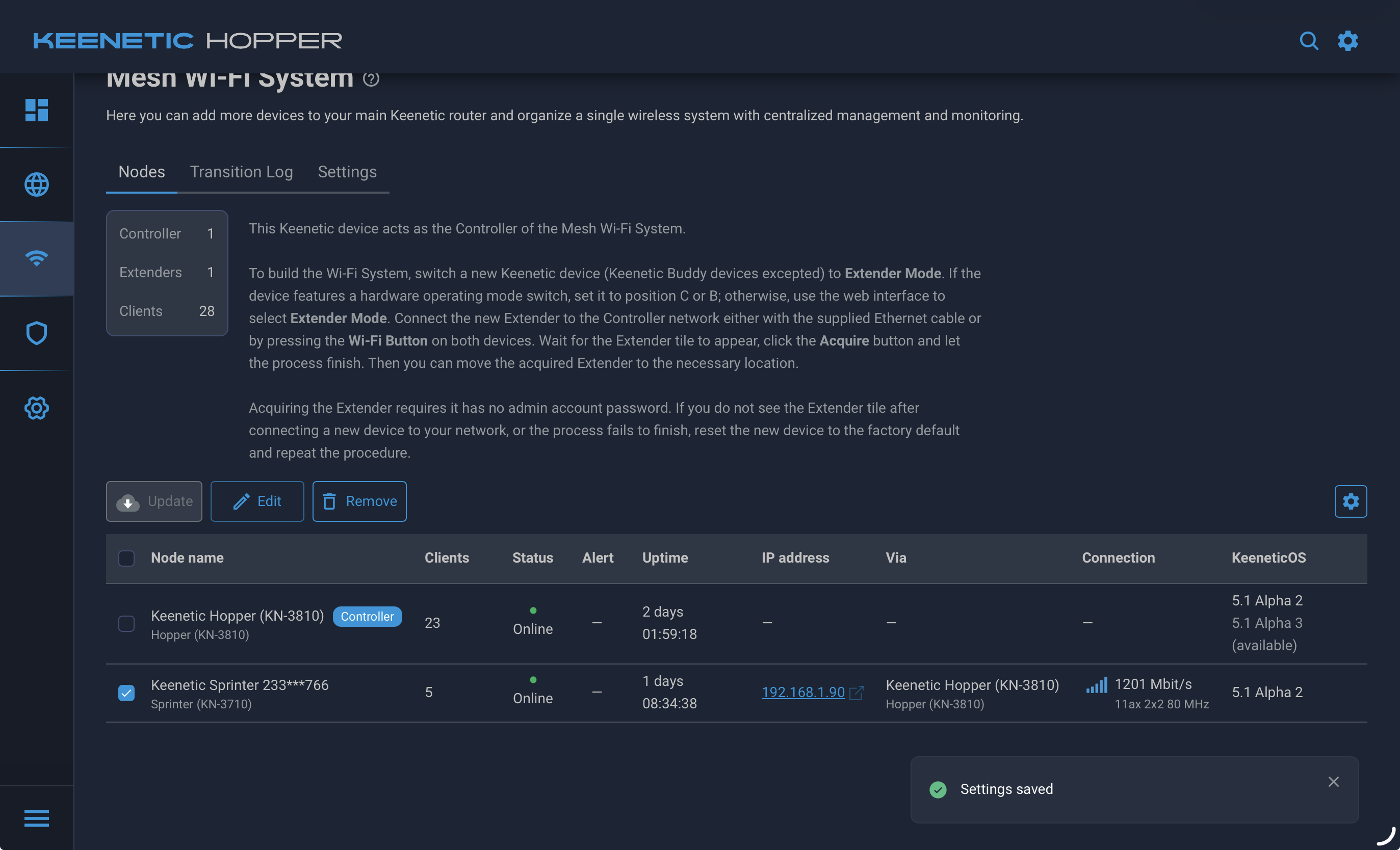
The problem occurs when upgrading the device in the mesh system. The main device receives the update, but update checks cannot be performed for the devices in the mesh. Additionally, the devices in the mesh cannot be reached Keendns.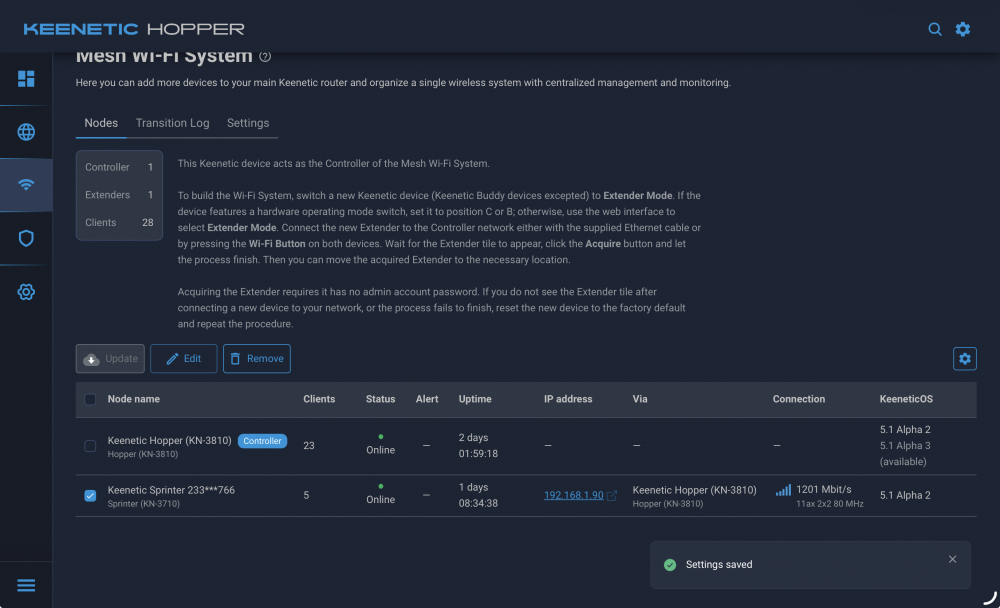
-
Hi, Could you please group the client list by SSID? This will help us better analyze the device distribution and see how many clients are connected under each SSID. If possible, please include in the report the number of clients per SSID along with device details such as MAC address, IP address, and connection duration. Thank you in advance for your support. Its so complicated
-
- 2
-

-
Wizard can't find internet v 4.0 Beta 2
tulgar posted a question in Dev channel issues & test reports
wizard can't find but it was working. I've been trying for 2 hours!!!